Best Mirrorless Camera: Questions to Ask First

It is easy to almost buy the wrong camera. It looked great on the shelf, the price felt fair, and the reviews were glowing. Then I realized the lenses I wanted for it barely existed. If that happens, it helps to step back and start over with a list of questions instead of a wish list.
That list saved me money and a lot of second-guessing. Here it is, cleaned up, so you can run through it before you click "buy" on the best mirrorless camera for your needs.
Short on time? Our top picks: Sony Alpha, Canon EOS R, Nikon Z and Fujifilm X Series. See all picks
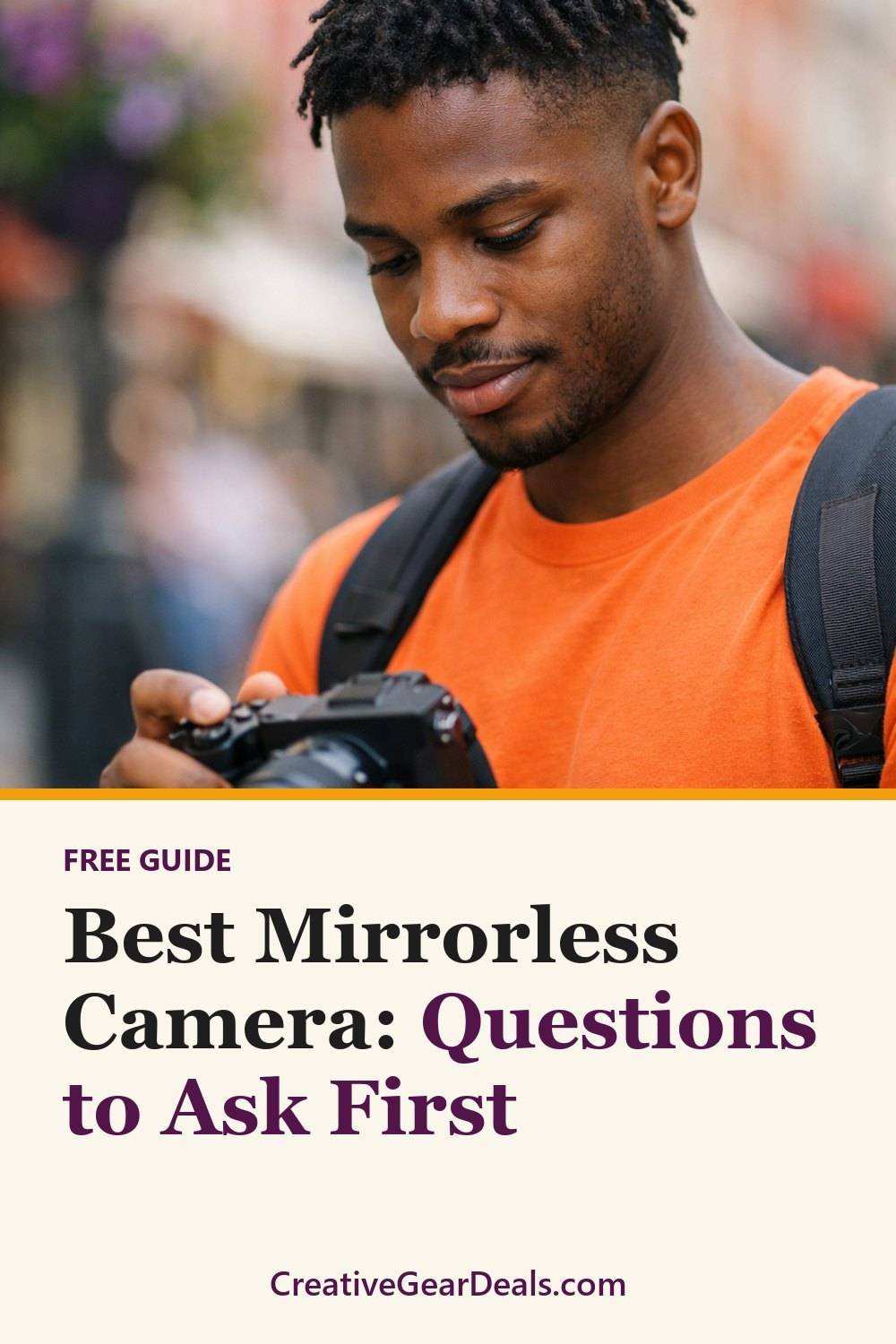
1. What Will You Actually Shoot?
This sounds obvious, but it's where most people go wrong. A camera that's lovely for slow landscape photos, or even the best outdoor camera for hikes, might frustrate you at your kid's soccer game. And a camera built for video, like the best video camera or an action camera, can feel like overkill if you mostly take pictures of food and flowers.
Be honest about the next year, not some dream version of yourself, whether you want a travel camera or something for family snaps. If you picture yourself filming a YouTube channel but you've never edited a video, maybe start with a camera that's strong at photos and decent at video. You can grow from there.
Practical tip: Scroll through the last 100 photos on your phone. What do you shoot most? People, pets, travel, products? That pattern tells you more than any spec sheet will.
2. Which Lens Mount Does It Use?
Here's the one that almost got me. The lens mount is the connection between the camera body and the lens. Each brand tends to have its own, and once you pick one, you're kind of committed. Lenses often cost as much as the body, sometimes more, so you'll likely keep them for years.
Look at what lenses exist for that mount right now. Are there affordable options? Are there third-party lenses from makers like Sigma, or only the brand's own? Can you find used lenses easily, the way you often can for systems like Canon EOS R? A camera with a small lens lineup can feel like a dead end later.
Practical tip: Before choosing a body, write down the two or three lenses you'd want first, like a basic zoom and a small prime. Then check that they're actually available for that mount and within your budget.
3. What Sensor Size Is Listed on Your Mirrorless Camera?
Sensor size shows up on every product page, usually as "full frame," "APS-C," or "Micro Four Thirds." Bigger sensors generally handle low light better and give that soft, blurry background people love. But they also tend to mean bigger, heavier, pricier cameras and lenses.
To be honest, full frame is a bit overrated when you're picking the best mirrorless camera for beginners. Lots of great photos come from smaller sensors, and a lighter camera is one you'll actually carry. A heavy camera left at home takes zero pictures, which matters most if you want a travel camera.
Practical tip: Don't guess the sensor size from the camera's look. Check the exact wording on the seller's page, and compare it against the lens sizes you'd need.
4. How Does It Feel in Your Hands?
This one wasn't in my original list, but it should've been. Some mirrorless cameras are tiny, and a camera backpack can't fix a bad grip. That sounds nice until your pinky has nowhere to go and the buttons feel cramped. Others have deep grips and plenty of dials.
If you can, hold one in a store. If not, look for photos of someone actually holding it, and check the listed weight and dimensions. Think about whether you wear gloves outside, or have bigger hands.
Practical tip: Compare the listed weight to something you own, like a full water bottle. It helps you picture carrying it around all day.
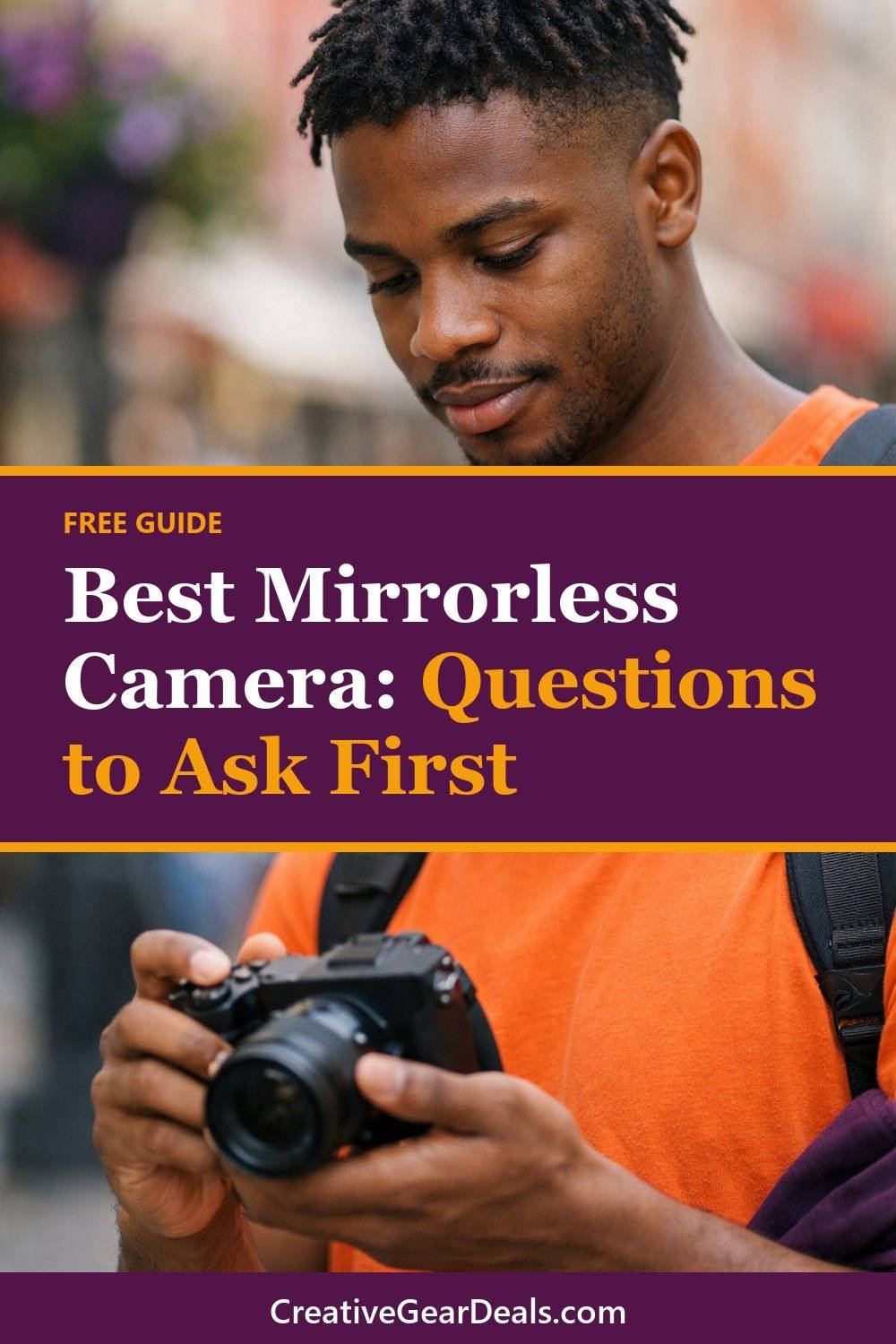
5. What Is the Battery Life?
Mirrorless cameras use power for their screens and electronic viewfinders, so battery life is often shorter than people expect. Sellers usually list a number of shots per charge. That number comes from standard testing, and real use can be quite different, especially if you shoot video or review photos a lot.
This often becomes clear at something like a friend's birthday party. Battery died before the cake came out. Now I never leave home without a spare.
Practical tip: Check whether the camera can charge over USB. That way, a phone power bank can keep you going in a pinch. And price in a spare battery when you're budgeting.
Quick side note: if you like keeping paper notes and scraps from your shoots, our free Junk Journal Starter Pages (tags, a pocket, and a cover) are yours when you join the email list.
6. Which Ports Does It Have?
Ports matter more than they seem. Look for the USB type, since newer USB-C ports are handy for charging and transferring files. If you want to plug into a monitor or record video to an external device, check for an HDMI port, and note whether it's full size, mini, or micro.
For video, a microphone jack is a big deal. Built-in camera mics are usually just okay. A headphone jack is nice too, so you can hear what you're recording. Photo-only folks can skip worrying about most of this.
Practical tip: Make a short "must have" list of ports before you shop. It's an easy way to rule out cameras fast.
7. What Will It Really Cost?
The body price is just the start. You'll probably want a memory card, a spare battery, a bag, maybe a strap that doesn't dig into your neck. Some cameras come as "body only," others as a kit with a lens. Read carefully so you don't end up with a camera and nothing to put on the front.
You can skip the giant "bundle" deals stuffed with a flimsy camera stand, cheap tripods, and filters. Many people find that most of that stuff ends up in a drawer.
Practical tip: Write out the full setup cost on paper. If it's tight, a slightly older model with a good lens often beats a newer body with a weak one.
8. What Is the Return Policy?
Even with careful research, sometimes a camera just doesn't click with you. Maybe the menus drive you crazy, or the grip hurts after an hour. That's why the return window matters.
Check how many days you have, whether opened items can be returned, and if there's a restocking fee. Also look at the warranty terms on the seller's or maker's page. Buying used or from marketplaces can mean very different rules.
Practical tip: Keep the box and all the little bags until you're sure. Test the camera fully in the first few days, not the night before the window closes.
If you're comparing a few models and your notes are getting messy, the Mirrorless Cameras Buyer's Guide and Comparison Sheets below this post can help you line them up side by side. It's what I wish I'd had the first time.
Mirrorless cameras worth a look
Here are some well-known mirrorless lines to start your research. Treat them as starting points, then run each one through the questions above.
Sony Alpha
Suits people who want a big range of lens choices, including many third-party options. Check which specific body fits your budget and how heavy the lenses you want will be.
Canon EOS R
A friendly pick for beginners and families who want an easy-to-learn system. Check which lenses are available for the exact mount type on the model you like, since Canon has more than one mirrorless mount.
Nikon Z
Suits photographers who care about comfortable handling and solid grips. Look at the lens lineup for your favorite subjects before committing.
Fujifilm X Series
Popular with travelers and street shooters who like a classic dial-based feel. Check how the body feels in your hands and whether the lenses you want fit your budget.
OM System
A good fit if you want a smaller, lighter kit to carry all day. Compare the Micro Four Thirds sensor size against how you shoot, especially in dim light.
Panasonic Lumix
Worth considering if video matters as much as photos to you. Check the ports, such as microphone and HDMI, on the exact model.
Sigma lenses for mirrorless
Suits budget-minded shooters who want extra lens options beyond the camera brand's own. Check that the lens is made for your exact mount before you buy.
Check current plans and prices on each brand's own site before you decide.
FAQ
Is a mirrorless camera better than a phone?
It depends on what you shoot. A mirrorless camera lets you swap lenses and usually does better with zoom, fast action, and low light. For quick everyday snaps, your phone might honestly be enough.
Should I buy new or used?
Used can be a great deal, especially for lenses. Just check the seller's return terms and warranty, and look closely at the condition. If you're unsure, a reputable shop with a clear policy is the safer bet.
Do I need full frame to get good photos?
No. Plenty of lovely work comes from smaller sensors. Pick the size that fits your budget, the lenses you want, and how much weight you're happy to carry.
How many lenses should I start with?
One or two is plenty. A basic zoom covers a lot, and a small prime is fun for portraits and low light. Learn those well before adding more.
Your next step is simple. Grab the free Junk Journal Starter Pages in the sign-up box, then take a look at the Mirrorless Cameras Buyer's Guide and Comparison Sheets and the Photo Shoot Planner and Checklist Bundle below this post. Go through these questions one at a time, and you'll feel a lot calmer when you finally hit "buy."
Printables and tools that can help
Mirrorless Cameras Buyer's Guide and Comparison Sheets
A printable guide and comparison sheets to write down what matters to you before you look at any seller...
See detailsPhoto Shoot Planner and Checklist Bundle
A printable bundle with a 30-day goal page, weekly planner and checklists for new creators and...
See details