Best Mirrorless Camera for Beginners: Beginner Checklist
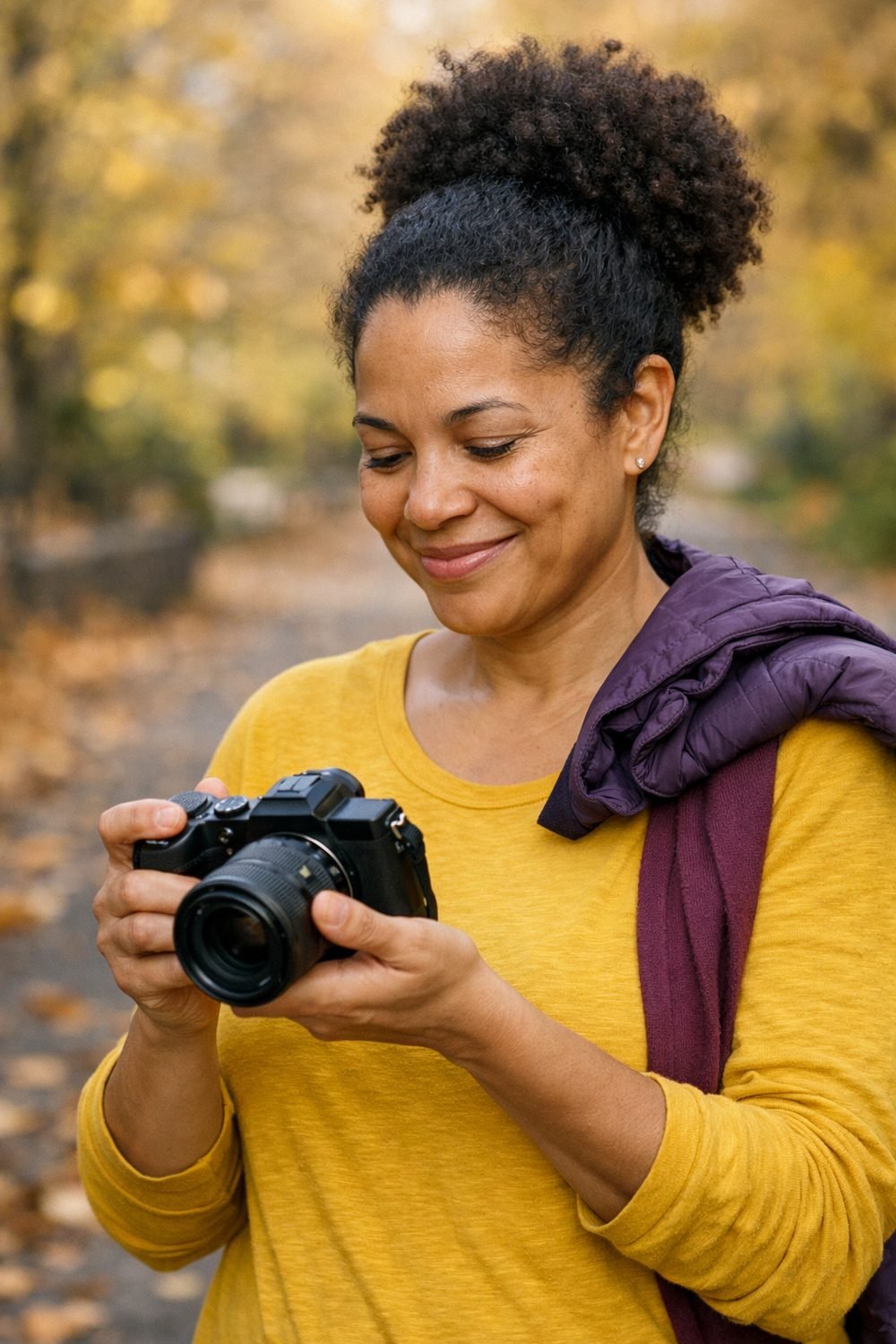
A common mistake is picking a first camera because the box looks serious, instead of looking at how it handles. Big mistake. It's easy to spend two weeks stuck in menus and nearly give up on a new camera. The best mirrorless camera for beginners should be easy to learn, and that matters more than any spec sheet number.
This checklist is what I wish someone had handed me before I paid. It won't tell you which brand to marry. It'll help you spot the things that make a mirrorless camera for beginners pleasant to use, or quietly annoying, in your first few months.
Short on time? Our top picks: Canon EOS R50, Sony ZV-E10, Nikon Z50 and Fujifilm X-T30 II. See all picks
1. Auto Modes That Help When You're New to Mirrorless
Every camera has an auto mode. The question is how good it is. Some full auto modes take sharp, nicely lit photos with no effort. Others guess wrong about focus and leave you with blurry faces and a bright sky that looks gray.
What you really want is a middle step. Look for scene modes or a guided mode that explains settings in plain words, like "blur the background" instead of "f/2.8." That's how you learn without feeling lost. A guided mode can teach you more in one weekend than a month of reading forums.
Tip: Watch a short video of someone scrolling through the camera's menu before you buy. If the screens look like a tax form, picture yourself using them on a cold morning with gloves on.
2. The Lens Kit: Included or Not?
This one catches a lot of people. Some listings say "body only," which means no lens at all. You can't take a single photo with just the body. The cheap-looking price suddenly isn't so cheap once you add a lens.
A kit lens is the basic zoom bundled with a camera like the Canon EOS R50. People online love to call kit lenses bad. Honestly? That's overrated. For a beginner, a kit zoom covers wide shots, portraits and a bit of reach. Use it for a few months, figure out what you shoot most, then decide if you need something else.
Tip: Read the listing title and the "what's in the box" section. If they don't match, ask the seller before checking out.
3. A Screen That Flips or Tilts
You may not think you care about the screen until you try to photograph a birthday cake from above, so check whether it tilts or flips. With a fixed screen I was standing on a chair, squinting. A tilting screen would have saved me the balance act.
There are two common types. A tilt screen moves up and down, which is great for low and high angles. A flip-out screen swings to the side and can face you, which helps for vlogging or selfies, and cameras like the Sony ZV-E10 are built with that in mind. Touch screens are nice too, since you can tap where you want the camera to focus.
If you plan to film yourself at all, the flip-out kind is worth it. If you mostly shoot things in front of you, a tilt screen is plenty.
Tip: In a store, hold the camera at waist height and try framing a shot. You'll know in ten seconds if the screen works for you.
4. Battery Life (and What the Number Means)
Mirrorless cameras use power for the screen and electronic viewfinder all the time, so batteries can drain faster than you expect. Most makers list an estimated number of shots per charge. Treat that as a rough guide, not a promise. Video, cold weather and lots of screen time all cut it down.
Keep one spare battery in your bag, always. The day I forgot it was, of course, the day of a perfect sunset at the beach.
Tip: Check whether the camera can charge over USB. Being able to top it up from a phone charger or power bank is a small thing that makes trips much easier.
Quick side note: if you like making something physical from your photos, you can grab our Free Junk Journal Starter Pages with tags, a pocket and a cover when you join the email list.
5. A Phone App That Connects Without a Fight
Most new cameras have a smart app that sends photos to your phone. This sounds minor until you want to share a picture the same evening. Pulling out a card reader every time gets old fast.
The catch is that some apps are smooth and some are a mess. They drop the connection, ask you to re-pair constantly, or move files very slowly. Since app quality changes with updates, I'd read recent reviews in the app store for that specific camera's app, not just camera reviews.
Tip: Look for an app that also works as a remote. Being able to trigger the shutter from your phone is handy for group photos you're actually in.
6. How It Feels in Your Hands
This wasn't on my original list, but it should have been. A camera can look perfect on paper and still feel wrong. Some small bodies have a tiny grip that makes your fingers cramp. Some have buttons so close together you press the wrong one.
If you can, hold it before you buy. If you're ordering online, compare the size and weight with something you own, like your phone. A camera you enjoy holding, whether that's a Nikon Z50 or something else, is a camera you'll take out of the house. The one that's a pain stays in a drawer.
Tip: Small is great for travel, but if you have bigger hands, don't go for the tiniest body just because it's cute.
7. Return Terms and Warranty
Nobody finds this part exciting. Still, check the return policy before you pay. You want to know how many days you have, whether opened items can come back, and if there's a restocking fee. Policies vary a lot between stores, so read the seller's page rather than assuming.
Warranty matters too. Buying from an authorized seller usually keeps the maker's warranty valid, while some third-party listings may not. If you're unsure, ask the store directly and save their answer.
Tip: In the first week, use the camera a lot. Test every button, the screen, the card slot and the battery. Problems are much easier to fix inside the return window.
8. Skip the Stuff That Doesn't Matter Yet for Beginners
Here's my honest opinion: beginners worry too much about megapixels, top video specs and burst speed. Most of the cameras for beginners sold today take very good photos. The difference between models at this level usually shows up in comfort and ease, not in image quality you'd notice on a phone screen.
What I'd skip at first: expensive extra lenses, fancy filters and big camera bags. Get the camera, a memory card, a spare battery and maybe a simple strap. Then go shoot. If you'd like help comparing models side by side, the Mirrorless Cameras Buyer's Guide and Comparison Sheets below this post lay out the key points so you're not juggling ten browser tabs.
Tip: Write down the three kinds of photos you'll take most. Let that list decide your choice, not a reviewer's favorite feature.
Mirrorless Cameras Worth a Look
These are well-known beginner-friendly mirrorless cameras from major brands. Treat them as starting points for your own checklist, not a final answer.
Canon EOS R50
Suits beginners who want a small, light camera with a guided approach to settings. Check which lens comes in the bundle you are looking at, since body-only listings leave you without one.
Sony ZV-E10
A good fit if you plan to film yourself as well as take photos. Check the screen type and how the phone app behaves, since app quality shapes daily use.
Nikon Z50
Suits people who care about a comfortable grip and a solid feel in the hand. Hold one in a store if you can, because the size may not suit every hand.
Fujifilm X-T30 II
Suits beginners who enjoy physical dials and a more hands-on style of shooting. Check whether the dial layout feels fun or confusing to you before buying.
OM System OM-5
Suits travelers who want a compact body and a lens system built around small gear. Check battery life and spare battery cost for your kind of trips.
Panasonic Lumix G100
Suits vlog-minded beginners who want something compact and easy to carry. Check the lens options and what is included in the kit before you order.
Check current plans and prices on each brand's own site before you decide.
FAQ
Is the best mirrorless camera better than a DSLR for beginners?
For many beginners, mirrorless is easier because what you see on the screen or viewfinder shows roughly how the photo will look. They're also usually lighter. That said, a camera you find comfortable is the better pick, whatever the type.
Do I need to learn manual mode right away?
No. Start with auto or a guided mode and enjoy taking pictures. Try one setting at a time, like aperture, once you're curious about why a photo looks the way it does.
What memory card should I get?
Check the camera maker's page for the card type and speed they recommend, especially if you'll shoot video. A card that's too slow can cause problems when recording.
Should I buy a used mirrorless camera?
It can be a good way to save, but check the seller's return terms and ask about the shutter count and condition. Buying from a shop that tests used gear gives you more peace of mind than a random listing.
Your Next Step
Go through this checklist with the one or two cameras you're eyeing, and be honest about how you'll really use them. First, grab the Free Junk Journal Starter Pages from the sign-up box so you've got a fun place to put your first prints. Then take a look at the products below this post. The Mirrorless Cameras Buyer's Guide and Comparison Sheets can help you narrow things down, and the Photo Shoot Planner and Checklist Bundle is handy once the camera's in your hands and you're planning your first real shoot.
Printables and tools that can help
Mirrorless Cameras Buyer's Guide and Comparison Sheets
A printable guide and comparison sheets to write down what matters to you before you look at any seller...
See detailsPhoto Shoot Planner and Checklist Bundle
A printable bundle with a 30-day goal page, weekly planner and checklists for new creators and...
See details