Best Mic for Streaming: Who It Suits and Who Should Skip It
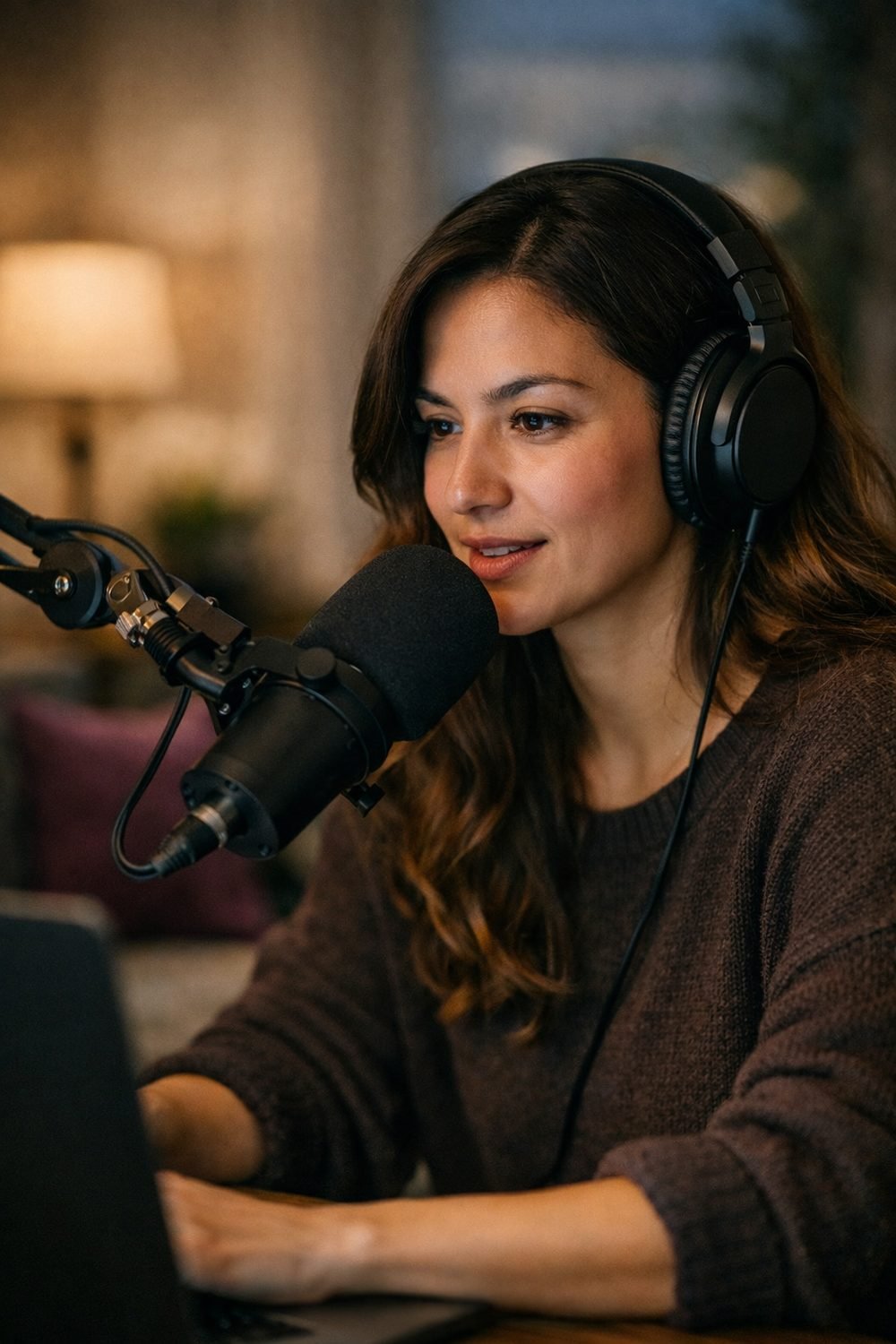
The best mic for streaming isn't the same for everyone, and a streaming mic isn't right for every person. That may sound strange coming from a gear site, but plenty of people buy a shiny microphone, set it on their desk, and then go right back to the earbuds that came with their phone. The mic wasn't bad. It just didn't fit how they actually lived and worked.
So instead of a "top ten mics" list, this post is about people. Who gets real value from a dedicated streaming mic, and who would be happier spending that money somewhere else? This guide is split into good fits and clear skips. Find yourself in the list, and you'll have a much better idea of what to buy, or whether to buy at all.
Short on time? Our top picks: Blue Yeti, Razer Seiren Mini, Elgato Wave:3 and HyperX QuadCast. See all picks
1. Good fit: you stream from the same desk with a streaming microphone
If you have one spot where you sit, game, chat, or create, a USB mic makes a lot of sense. You plug it into your computer, your streaming software usually sees it right away, and you're talking. No extra boxes, no cables running across the room. For most desk streamers, that simple setup is the whole appeal.
The jump in sound from a laptop or webcam mic is easy to hear. Your voice sounds fuller and closer, and less like you're talking from the bottom of a well. After switching, a streamer might hear a viewer ask, "Did you move?" even though nothing in the room changed. The only change was dropping the mic built into the monitor.
Practical tip: Get the mic off the desk if you can. A cheap boom arm like the Elgato Wave Mic Arm or even a small stand that lifts it closer to your mouth cuts down on keyboard clatter and the thud of your hands hitting the desk. Placement matters more than most spec sheets will tell you.
2. Good fit: you're starting a podcast or recording voiceovers
Podcasters care about one thing above all: a clear voice that's easy to listen to for an hour. A decent mic, such as the Rode PodMic, gives you that. Listeners will forgive a lot, like plain cover art or a slow first episode, but harsh, echoey audio makes people hit stop fast. It is easy to do, even with shows you actually like.
Voiceover work is similar. Narrating a tutorial, a product video, or a short film? The mic is doing most of the heavy lifting. A camera can be average if the audio is good. Flip that around and the whole thing feels cheap.
Speaking of video, if you're also planning shoots alongside your audio, the Photo Shoot Planner and Checklist Bundle below this post can help you keep track of what you need on the day. A checklist helps you avoid forgetting to hit record on the mic. Yes, that's happened.
Practical tip: Record a two-minute test, then listen back on cheap earbuds and on your phone speaker. That's how a lot of people will hear you. If it sounds okay there, you're in good shape.
3. Good fit: you spend half your day on video calls
This one surprises people. You don't need to be a streamer to get value from a streaming mic. If you're on calls for work, teaching online, or running meetings, you'll probably notice that people stop asking you to repeat yourself.
Laptop mics pick up everything: the fan, the fridge, the dog two rooms over. A USB mic aimed at your mouth sounds more focused. It also makes you sound a bit more put-together, which is a small thing, but it adds up over a week of calls.
That said, I wouldn't spend a lot here. A mid-range USB mic is plenty for calls. A fancy studio mic is overkill for a weekly team check-in.
Practical tip: Check your call app's audio settings. Some apps have their own noise filters that can fight with your mic and make your voice sound wobbly. Try turning them down and see what sounds best.
Quick side note: if you like making things by hand when you're off the clock, you can grab our free Junk Journal Starter Pages (tags, a pocket, and a cover) by joining the email list.
4. Skip it if: you stream on the go and need a wireless mic
Here's where I'd steer people away. If you stream from your phone while walking around, from a car, at events, or anywhere you can't set up a desk, a standalone streaming mic will mostly get in the way. They're built to sit still.
A good wireless headset with mic is often the better choice. It moves with you, stays the same distance from your mouth, and doesn't need a stand. For outdoor or mobile video, a small clip-on wireless mic such as the Rode Wireless GO II is another option worth a look.
If you bring a desk mic to a market to film a short walk-through, expect a lot of background noise and a bulky setup. You can easily end up spending more time holding it than filming. Never again.
Practical tip: Before you buy any mobile mic, check the seller's page to make sure it works with your exact phone and its port. Not every phone plays nicely with every adapter.

5. Skip it (or choose carefully) if: your room is noisy
Lots of popular streaming mics are condenser mics. They're sensitive, which is great in a quiet room. In a busy house, though, they hear everything: traffic, roommates, the washing machine, your own echo off bare walls.
If that sounds like your place, a dynamic mic is usually a better pick. Dynamic mics tend to focus on sound that's close to them and pick up less of the room. The trade-off is you need to stay fairly close and speak right into it. For a lot of people, that's an easy habit to build.
Honestly, I think condenser mics are a bit overrated for home streamers. They look great in photos, but plenty of folks would sound better with a plain dynamic mic and a rug on the floor.
Practical tip: Soft stuff helps. Curtains, a bookshelf, a blanket on the wall behind your monitor. You don't need foam panels to make a real difference in how your room sounds.
6. Skip a USB mic if: you need XLR
Some people need more control. Maybe you're running more than one mic for a two-person podcast, or you want to upgrade parts over time. That's where XLR mics come in. They connect to an audio interface or mixer instead of straight to your computer.
The catch is cost and setup. You'll need the mic, a cable, and an interface, and some mics need extra power too. If you just want to plug in and talk, that's a lot of fuss. If you like tinkering, it's a fun rabbit hole.
There are also mics that offer both USB and XLR. These can be a nice middle ground. Start with USB, then move to an interface later without buying a new mic.
Practical tip: Look at the connection type before anything else. It's surprisingly easy to fall for a mic, order it, and realize it needs gear you don't own.
7. Think twice if: your video matters as much as your voice on stream
This one's a bit of a bonus. If you're building a channel where the picture really counts, like product reviews, cooking, or crafts, you'll want to balance your budget. A great mic with a blurry webcam can still look rough.
Put money into audio first, because bad sound drives people away faster than average video. But plan for the camera side too. If you're hunting for the best camera for streaming, the Mirrorless Cameras Buyer's Guide and Comparison Sheets below this post lay out options side by side so you can compare without twenty browser tabs open.
Practical tip: Write down your total budget first, then split it. Knowing your limit keeps you from blowing it all on the mic.
Mics worth a look
These are well-known options that cover the main situations in this post, from simple USB setups to XLR upgrades. Match the pick to your room and your desk, not to the hype.
Blue Yeti
A familiar USB condenser mic for desk streamers and call-heavy workdays who want plug-in simplicity. Check that your room is quiet enough, since condenser mics tend to pick up background noise.
Razer Seiren Mini
A compact USB mic that suits small desks and beginners. Check how it sits on your desk and whether you will want a boom arm to get it closer to your mouth.
Elgato Wave:3
A USB mic aimed at streamers who want a clean setup with companion software. Check that its software works with your computer and streaming app before buying.
HyperX QuadCast
A popular USB mic for gamers who like a ready-to-use desk stand. Look at the pickup pattern options and think about how noisy your room is.
Shure MV7
A dynamic mic that offers both USB and XLR connections, so it suits people who want to start simple and upgrade later. Check what cables and accessories you will need for the connection you plan to use.
Rode PodMic
A dynamic XLR mic that suits podcasters and streamers in echoey or busy rooms. Remember it needs an audio interface or mixer, so budget for that too.
Rode Wireless GO II
A small wireless clip-on system for people who film or stream while moving around. Check which adapter or cable your exact phone or camera needs.
Elgato Wave Mic Arm
A boom arm for anyone whose mic sits too far from their mouth or picks up desk thumps. Check that the mount thread and weight limit match your mic.
Check current plans and prices on each brand's own site before you buy.
FAQ
Do I need a pop filter?
It helps if you get a lot of "p" and "b" pops in your recordings. A simple foam cover or mesh filter is cheap and easy to try. Some mics already have one built in, so check the product page first.
Is a USB mic good enough for streaming?
For most people, yes. A good USB mic in a decent room can sound very clean. You only really need XLR if you want more control or plan to use several mics.
Condenser or dynamic, which should I pick?
If your room is quiet and you want a detailed sound, a condenser can work well. If your space is noisy or echoey, a dynamic mic is usually more forgiving. Think about your room before the brand.
Will a better mic get me more viewers?
No one can honestly promise that. Clear audio makes your streams nicer to watch, but growth depends on lots of things. Think of the mic as removing a reason for people to leave.
If you've found yourself in one of the "good fit" spots above, start simple and focus on placement before spending big. If you're in the "skip" group, that's fine too. Headphones with mic might serve you better. Either way, grab the free Junk Journal Starter Pages from the sign-up box, then take a look at the planner and camera guide below this post if they suit what you're building next.
Printables and tools that can help
Mirrorless Cameras Buyer's Guide and Comparison Sheets
A printable guide and comparison sheets to write down what matters to you before you look at any seller...
See detailsPhoto Shoot Planner and Checklist Bundle
A printable bundle with a 30-day goal page, weekly planner and checklists for new creators and...
See details