Best Home Sound System: Features Compared Side by Side
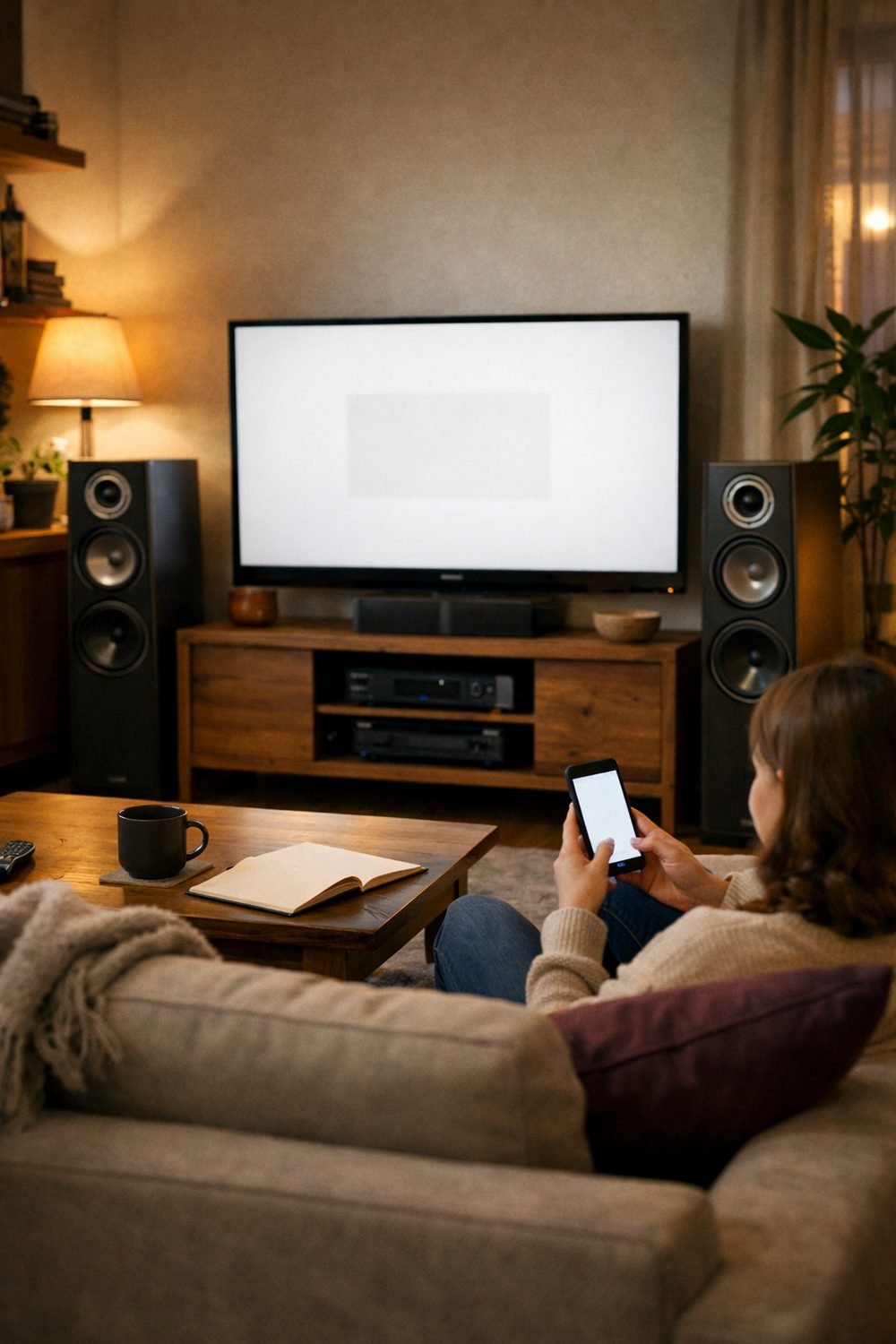
The best home sound system can be as simple as one bar under the TV or as involved as speakers tucked into every corner. Many people who try both find the fancy setup isn't always the one they enjoy more. Most of the regret I've seen, mine included, comes from buying for specs and not for the room, the habits, and the cables you actually have.
So instead of naming one "best sound system" for everyone, I'm going to walk through the features that matter, side by side, so you can compare whatever models you're looking at. Grab a notepad. You'll want to jot things down as you go.
Short on time? Our top picks: Sonos Beam, Sonos Era 100, Bose Smart Soundbar and Samsung Q-Series Soundbar. See all picks
1. Room Size: Match the System to the Space
This is the one people skip, and it's the one that matters most. A small bedroom or studio apartment doesn't need a big multi-speaker setup. In a tight space, too much bass can turn muddy fast, and you'll end up turning it down anyway.
A larger open living room is a different story. Sound spreads out and gets soaked up by couches, rugs, and curtains. A single compact speaker can feel thin in there, like it's playing from the next room.
When I moved from a one-bedroom into a place with an open kitchen and living area, my old soundbar suddenly sounded tiny. Nothing was wrong with it. The room had just outgrown it.
Practical tip: Measure your room roughly and note where you sit. Then check the seller's page for any room size guidance. If they don't give any, read a few owner reviews from people who mention similar spaces.
2. Your Main Source: TV, Music, or Both
Be honest with yourself about what you'll play most. If it's mostly movies and shows, you'll care about clear dialogue and a setup that sits nicely with your TV. Soundbars like the Yamaha YAS-209 are built for this, and the best sound bar picks often have a speech or dialogue mode that really does help with mumbled lines.
If music is your main thing, a pair of good stereo speakers such as the Klipsch The Fives often beats a soundbar for the same money, and home audio systems built around stereo pairs are easy to expand. Music tends to sound more natural with a proper left and right spread. For listening to records, two decent speakers are usually a better pick than a long skinny bar.
Doing both is common, and that's where the compromises show up. Some systems handle both well. Others are clearly tuned for one and just okay at the other.
Practical tip: Write down your top two uses in order. When you compare models, ask which one is better at your number one use, not which one does everything.
3. Connections: HDMI, Optical, and Bluetooth Sound System Options
Connections sound boring until you get home and realize the thing won't plug into your TV the way you hoped. Many people end up standing behind the TV stand with a flashlight in their teeth.
Here's a quick side-by-side of the common options:
- HDMI (often labeled ARC or eARC): Usually the easiest for TVs. One cable, and your TV remote can often control the volume. Check that your TV has a matching port.
- Optical: A thin cable that works with lots of older TVs. It does the job, though it may not carry every audio format.
- Bluetooth: Handy for playing music from your phone, which is why a bluetooth sound system is so popular. Convenient, but quality and range vary, and it can lag a bit with video.
- Wi-Fi streaming: Lets you play from apps over your home network. Nice for a music system for home use around the house, but setup depends on the brand's app.
- Analog inputs (RCA or 3.5mm): Useful if you have a turntable, an old CD player, or a laptop.
Practical tip: Take a photo of the back of your TV before you shop. Zoom in on the port labels. Then compare that photo against the connection list on the seller's page.
4. Home Speaker System: How Many and What Kind
You'll see numbers like 2.0, 2.1, 3.1, or 5.1. The first number is the main speakers. The second is the subwoofer, which handles low bass. A 2.1 setup means two speakers and one sub.
More speakers doesn't automatically mean better. A well-made 2.1 system can sound richer than a cheap 5.1 kit with small, tinny satellites. You can safely skip the bargain surround packs that promise a cinema in a box. Specs often look exciting on the box and sound flat in the room, so listen before you buy if you can.
Also think about a center channel. If dialogue matters to you, a system with a dedicated center speaker (the "3" in 3.1) can make voices easier to follow.
Practical tip: Start smaller than you think you need, as long as the system lets you add a sub or rear speakers later. Check the seller's page to see which add-ons work with that model.
Quick side note: if you like keeping your own notes and scraps while planning projects, you can grab my Free Junk Journal Starter Pages (tags, a pocket, and a cover) by joining the email list.
5. Wired vs. Wireless Sound System
"Wireless" in sound systems rarely means no cables at all. Wireless rear speakers still need to plug into a wall outlet. They just don't need a speaker wire running back to the TV. That's still a big win if you don't want wires across the floor.
Wired setups take more effort. You'll be hiding cables under rugs or along baseboards. The upside is they tend to be steady and don't depend on your Wi-Fi mood that day.
Running speaker wire around a living room is tedious enough that many people avoid doing it a second time. Then I rented a place where the wireless rears kept dropping out, and I missed those ugly little wires a lot.
Practical tip: Look at where your outlets are before choosing wireless rears. If there's no outlet near the back of the couch, you'll need an extension cord, and that kind of defeats the purpose.
6. Controls and Setup
This one doesn't get enough attention. Some systems are plug in and go. Others want you to download an app, make an account, and run a room calibration with your phone held up like you're looking for signal.
Neither is wrong. Apps can give you nice controls, like bass and treble adjustments or night modes that keep loud scenes from waking the kids. But if you live with someone who just wants the TV remote to work, simple wins.
Practical tip: Search the brand's app name and read recent comments from users. If lots of people mention connection trouble, that tells you something the spec sheet won't.
7. Side-by-Side Comparison: Do It on Paper
Once you've got two or three models in mind, put them in a simple table. Columns for room fit, main use, connections, speaker setup, wired or wireless, and return terms. It sounds fussy. It saves so much back and forth.
This habit works well in camera shopping too. The Mirrorless Cameras Buyer's Guide and Comparison Sheets below this post use the same side-by-side idea, and the layout works just as well for audio gear if you're the type who likes things written out.
Practical tip: Leave one column blank for "how it felt." If you can hear a demo in a store, write your gut reaction right away, before the specs talk you out of it.
8. Return Terms: Check Before You Buy
Sound is personal, and your room changes everything. A system that sounded great in a store can sound different at home. That's why return terms matter more here than with lots of other gear.
For any home sound system, look for how many days you get, whether opened boxes are accepted, and whether there's a restocking fee. Policies differ between stores and even between items at the same store, so read the actual seller's page rather than assuming.
Practical tip: Keep the box and all the little bags for the first few weeks. Yes, it takes up space. But trying to return a soundbar without its foam inserts is a headache you don't need.
Our Top Picks to Start Your Search
These are real, well-known options that cover the main styles we talked about, from a simple soundbar to a stereo pair. Use the checklist above to see which one fits your room and habits.
Sonos Beam
A compact soundbar that suits small to medium rooms where TV is the main use. Check that your TV has the HDMI port type it needs and whether you're happy using the brand's app for setup.
Sonos Era 100
A single smart speaker that suits people who mostly want music around the house and may add more speakers later. Check how it connects to your music services and whether one speaker is enough for your room.
Bose Smart Soundbar
Suits people who want a tidy TV upgrade with a simple setup. Check the connection list against the back of your TV, and look at whether you can add a sub or rear speakers later.
Samsung Q-Series Soundbar
A good fit if you already own a Samsung TV and like the idea of tying the two together. Check which models work with which add-ons, since the range is wide and options differ.
Klipsch The Fives
Powered stereo speakers that suit music lovers who want a proper left and right spread without a separate amplifier. Check the inputs you need, such as HDMI ARC, optical, or a turntable connection.
Audioengine A2+
Small desktop speakers that suit bedrooms, studios, and home offices. Check the available inputs and whether you want to add a subwoofer for more bass.
Yamaha YAS-209
A soundbar with a wireless subwoofer, suited to movie watchers who care about clear dialogue. Check that its ports match your TV and that the sub has room near an outlet.
Check current plans and prices on each brand's own site before you decide.
FAQ
Is a soundbar good enough for most homes?
For a lot of people, yes, especially in small to medium rooms where TV is the main use. It's simple and tidy. If music is your priority, you might prefer a pair of stereo speakers.
Do I really need a subwoofer?
Not always. It adds weight to movies and some music, but in small rooms or apartments with shared walls, it can be more trouble than it's worth. Choose a system that lets you add one later if you're unsure.
Will any system work with my TV?
Not automatically. Check your TV's ports and compare them with the system's connection list on the seller's page. If you're stuck, the TV maker's manual or support page usually lists the audio outputs.
Is wireless sound worse than wired?
It depends on the system and your home. Many wireless setups sound fine, but they can drop out if signals are weak. Wired tends to be steadier, just less tidy to set up.
If you take one thing from all this, let it be that the room and your habits should pick the system, not the box. Your next step: join the email list to get the Free Junk Journal Starter Pages, then scroll down to the Mirrorless Cameras Buyer's Guide and Comparison Sheets and the Photo Shoot Planner and Checklist Bundle below this post if they suit your next project. Happy listening.
Printables and tools that can help
Mirrorless Cameras Buyer's Guide and Comparison Sheets
A printable guide and comparison sheets to write down what matters to you before you look at any seller...
See detailsPhoto Shoot Planner and Checklist Bundle
A printable bundle with a 30-day goal page, weekly planner and checklists for new creators and...
See details